Phone System
Calls, routing, recording, and AI, all in one platform.
Every call logged
to the patient profile
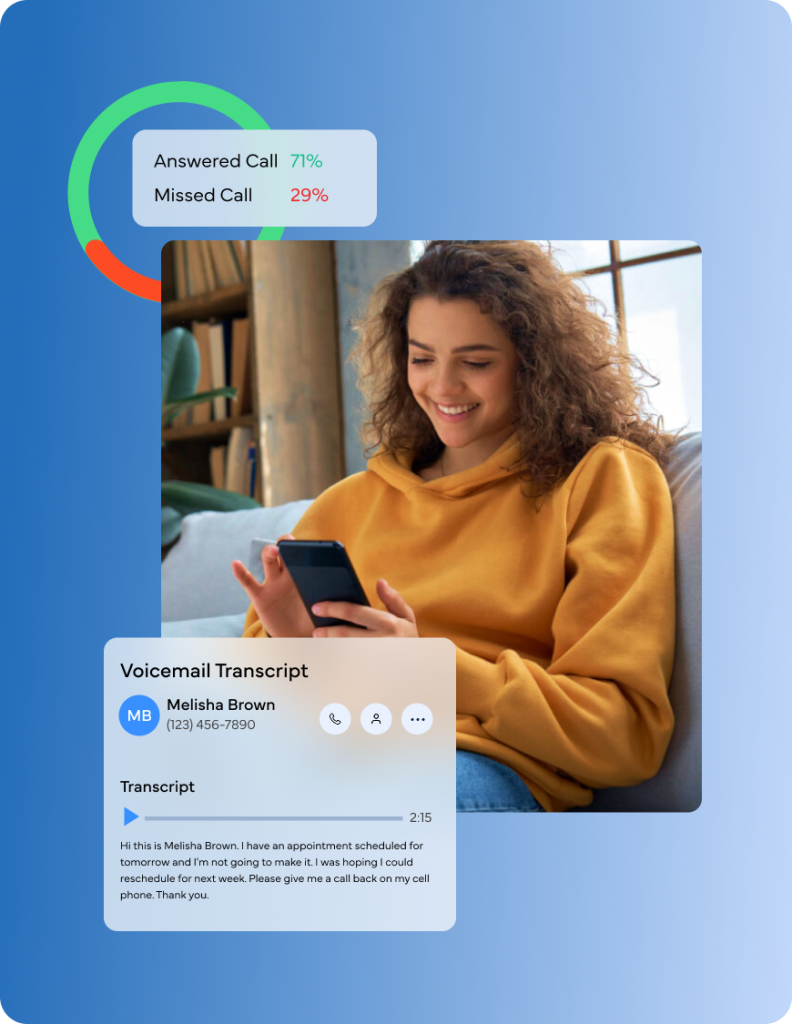
AI transcription
on every call
Smart routing
by intent
Zero missed leads
with auto-reply
Call Center
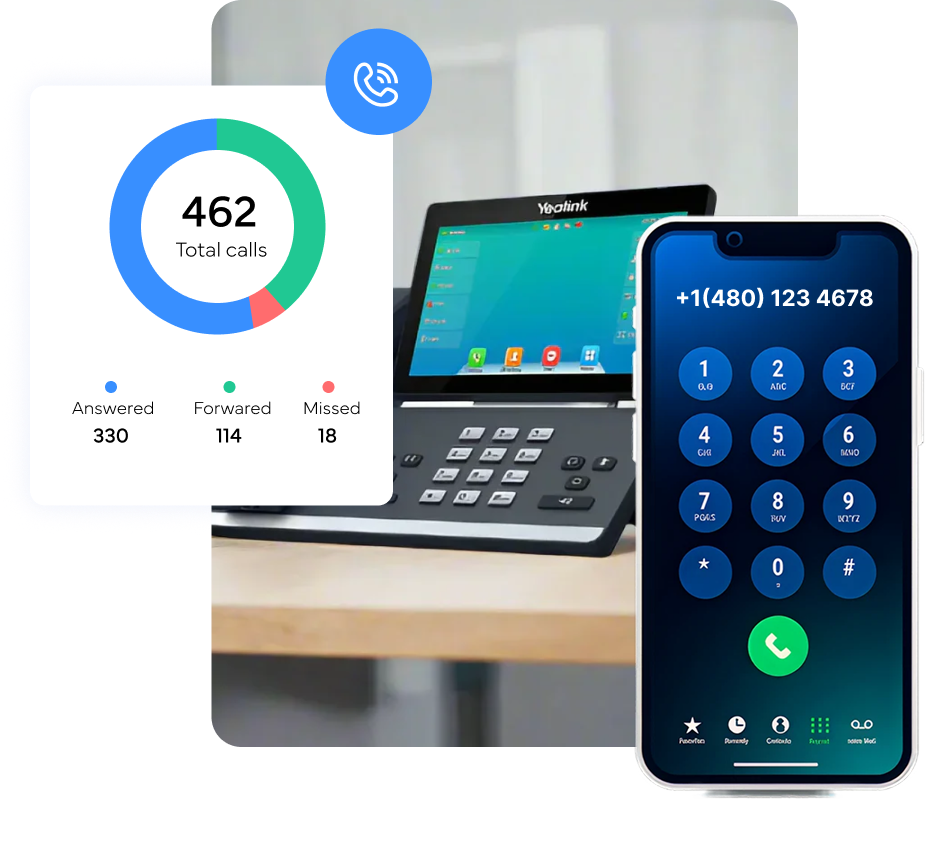
 Inbound and outbound calling with recording, queues, smart routing, analytics, and AI transcription.
IVR
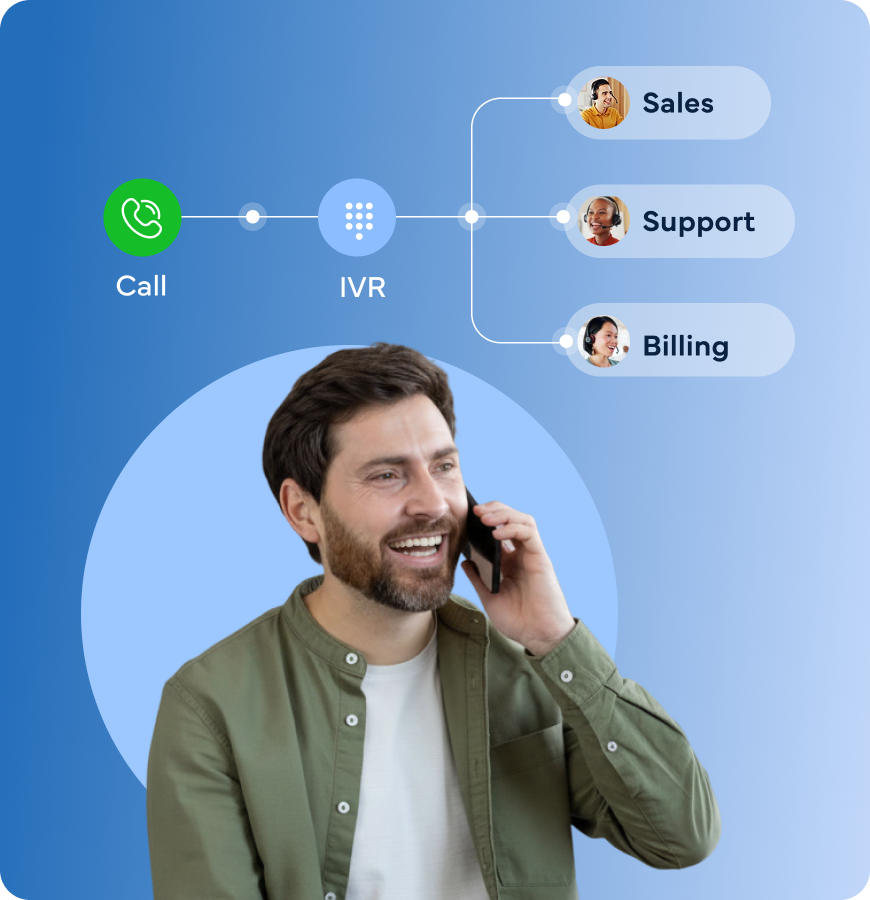
Custom call menus, after-hours routing, voicemail, and AI-powered responses, no more "Press 1" frustration.
Desk Phone
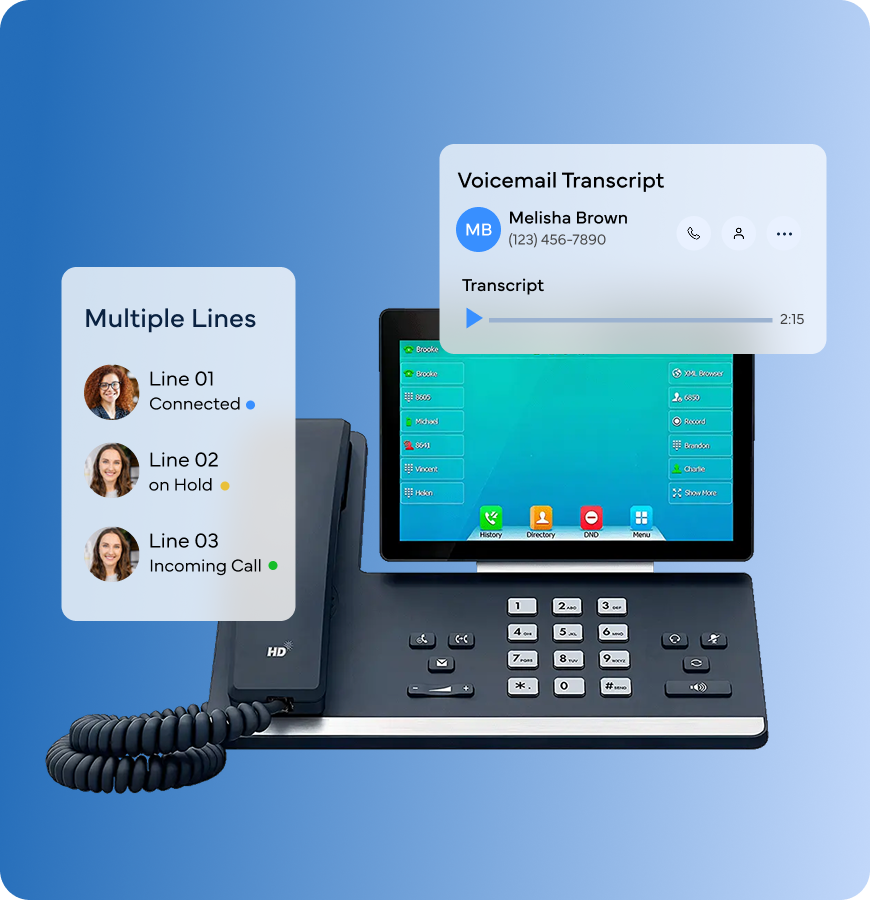
Enterprise-grade VoIP hardware. Up to 8 lines. Plug-and-play. Built for multi-provider practices.
Phone Numbers
Local and toll-free numbers. Port your existing number. Verified caller ID.
Stop paying for a phone system that doesn't know your patients.
 Most practice phone systems just make and receive calls. KloudMD Phone does that; plus recording, transcription, smart routing, IVR, queues, analytics, and AI that turns every call into data your team can act on. It's all connected to your patient profiles, your pipeline, and your inbox. No third-party VoIP app. No separate bill. One system that runs it all.
CALL CENTER
KloudMD Call Center gives your team everything they need to handle inbound and outbound calls like a professional operation, without the enterprise price tag. Every call is automatically recorded, transcribed, and logged in the patient's profile. Queues keep patients waiting gracefully. And AI turns every conversation into searchable, actionable data.
Get Figma’s font installer or desktop app to use fonts from your computer.
IVR
Nobody likes "Press 1 for appointments. Press 2 for billing. Press 3 to wait forever." KloudMD IVR is smarter. Build custom call menus that route patients where they need to go, or let AI handle routine requests like hours, directions, and booking without ever reaching a human. Set up after-hours flows, custom voicemail greetings, and holiday schedules in minutes.
Drag-and-drop IVR builder. No code, no IT support. Create multi-level menus, route by department, set up fallbacks, and preview the entire flow before it goes live.
Get Figma’s font installer or desktop app to use fonts from your computer.
Desk Phone
KloudMD Desk Phone is a professional-grade VoIP phone built for healthcare practices. Multiple lines, HD audio, one-touch transfer, voicemail, and full integration with your KloudMD platform. Calls are logged, recorded, and connected to patient profiles automatically. No separate phone vendor. No extra contracts. Just plug it in.
Get Figma’s font installer or desktop app to use fonts from your computer.
 PHONE NUMBERS
Get new local or toll-free numbers instantly, or port your existing practice number into KloudMD. Every number comes with a verified caller ID, so patients know it's you. Manage all your numbers from one dashboard, assign by location, provider, or department.
Get a local number in your area code. Patients see a familiar number. Builds trust and improves answer rates.
Get Figma’s font installer or desktop app to use fonts from your computer.
Patient context
Transcription
Call logging
IVR
Missed calls
Analytics
Integration
Hardware
Traditional VoIP
& Other Software
KloudMD Phone
Calls, recordings, and transcripts sync with your EMR. When a patient calls and books, the appointment lands in your EMR automatically. One system, no double-entry.
Keep your system. Lose the busywork
Stop paying for a phone system that doesn't talk to anything else. KloudMD Phone is built into your practice platform, every call is logged, transcribed, and connected to your patients, your pipeline, and your EMR.