












Analytics
Leads, calls, conversions, staff performance, and marketing ROI: one dashboard.
Every lead tracked
from source to
booked appointment
AI practice health summaries
Staff performance leaderboards
Marketing ROI
down to the dollar
Practice Dashboard
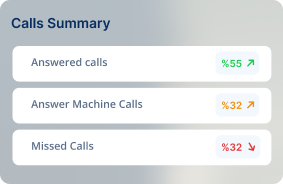
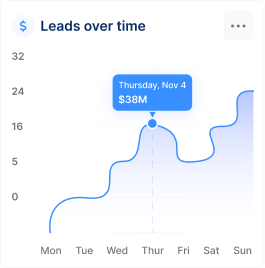
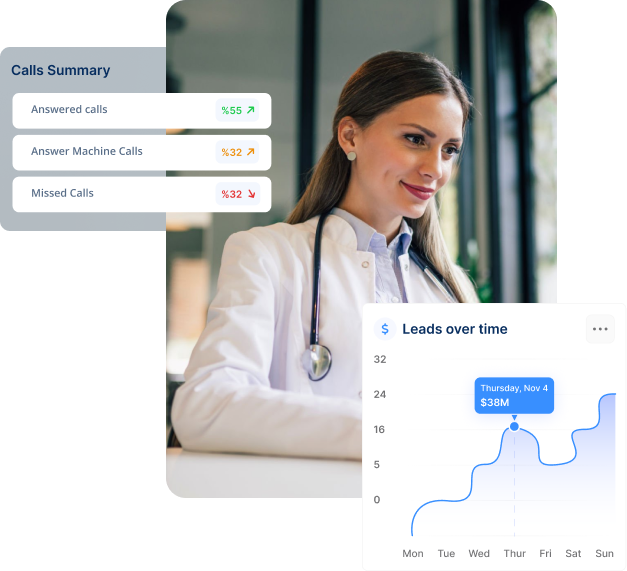
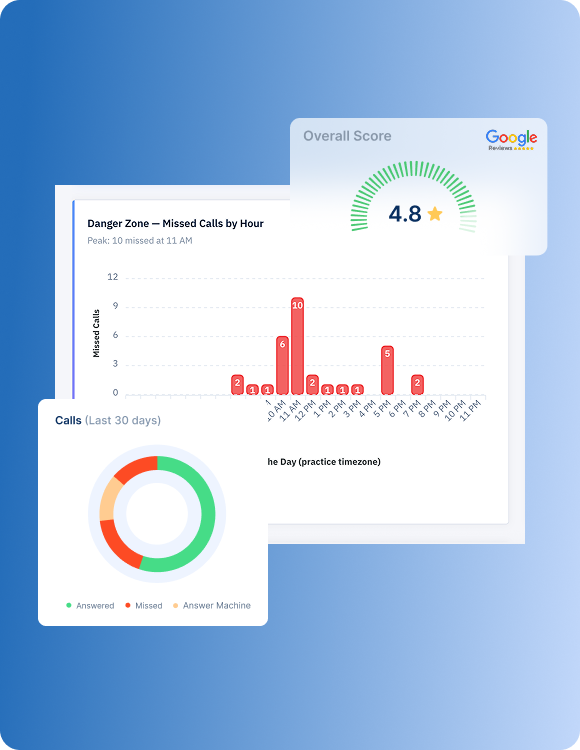
New patients, booked vs. completed appointments, call volume, missed call rates, form submissions, reviews, and revenue trends, your entire practice at a glance.
Staff Performance
Conversion rates, response times, call and message volume by team member, and AI-powered leaderboards. Know who's performing and where your team needs support.
Marketing ROI
Cost per patient, campaign performance, revenue attribution, and landing page conversions. See which marketing dollars turn into booked patients: not just clicks.
Reports
Automated reports, shareable links, custom date ranges, sentiment analysis, and conversion funnels. Get the data you need without building it yourself.
Every lead. Every dollar. Every answer. One dashboard.
KloudMD tracks everything that happens in your practice; every lead, every call, every missed call, every form submission, every appointment, every campaign, and puts it in one place. No switching between Google Analytics, your ad manager, your phone system, and a spreadsheet. One dashboard. Real-time data. AI that tells you what it means and what to do about it.
PRACTICE DASHBOARD
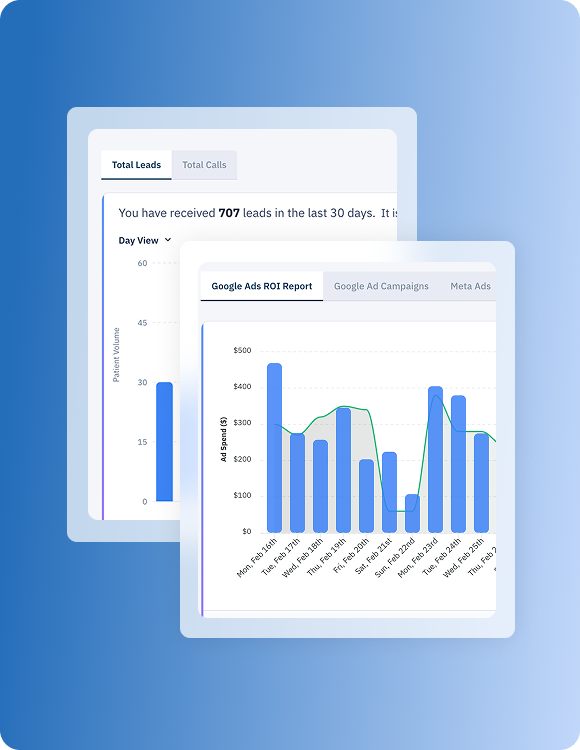
Open KloudMD and know exactly how your practice is doing. The Practice Dashboard shows your key metrics in real time: total leads, total calls, missed call rate, form submissions, booked vs. completed appointments, Google reviews, and revenue. AI generates a Practice Health Summary that highlights what's improving, what needs attention, and where the opportunities are so you don't have to interpret charts yourself.
AI analyzes your data and gives you a plain-English summary: "Missed call rate improved to 12.3%. Leads are stable at 92 this period. Google Ads impression share is 10%, room to grow with more budget." Actionable insights, not just numbers.
Get Figma’s font installer or desktop app to use fonts from your computer.
Get Figma’s font installer or desktop app to use fonts from your computer.
Get Figma’s font installer or desktop app to use fonts from your computer.
Get Figma’s font installer or desktop app to use fonts from your computer.
Get Figma’s font installer or desktop app to use fonts from your computer.
Get Figma’s font installer or desktop app to use fonts from your computer.
Get Figma’s font installer or desktop app to use fonts from your computer.
STAFF PERFORMANCE
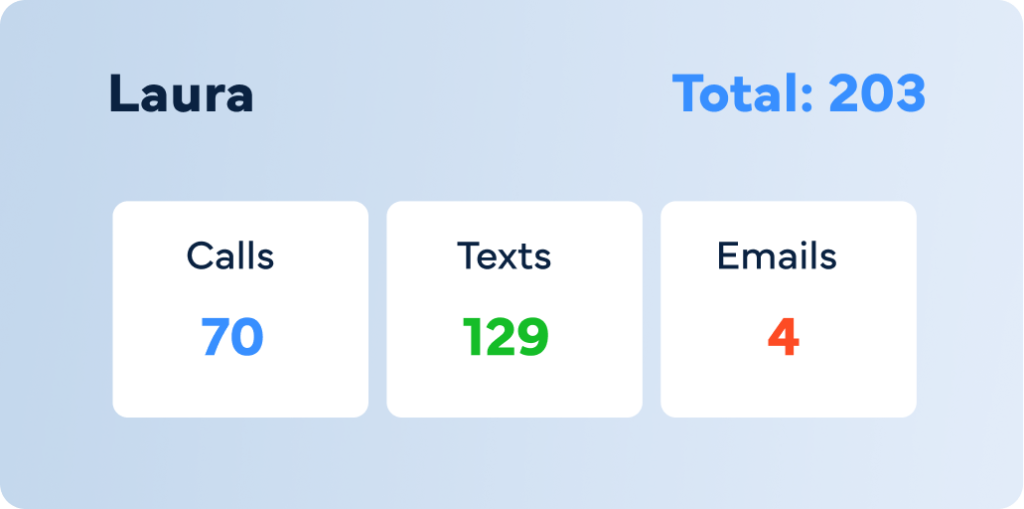
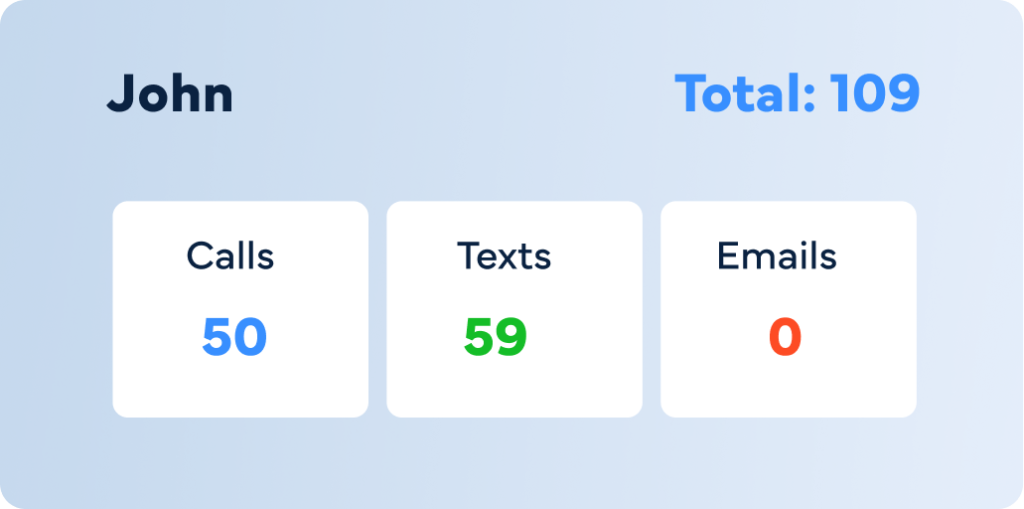
Your team's performance directly impacts how many leads become patients. KloudMD tracks every staff member's activity, calls made, texts sent, emails sent, response time, and conversion rate, so you can see exactly who's performing and where coaching is needed. AI-powered leaderboards make it visible. Staff productivity breakdowns make it actionable.
See each team member's total activity: calls, texts, and emails. Know who's handling the volume and who's underutilized.
Get Figma’s font installer or desktop app to use fonts from your computer.
Get Figma’s font installer or desktop app to use fonts from your computer.
Get Figma’s font installer or desktop app to use fonts from your computer.
MARKETING ROI
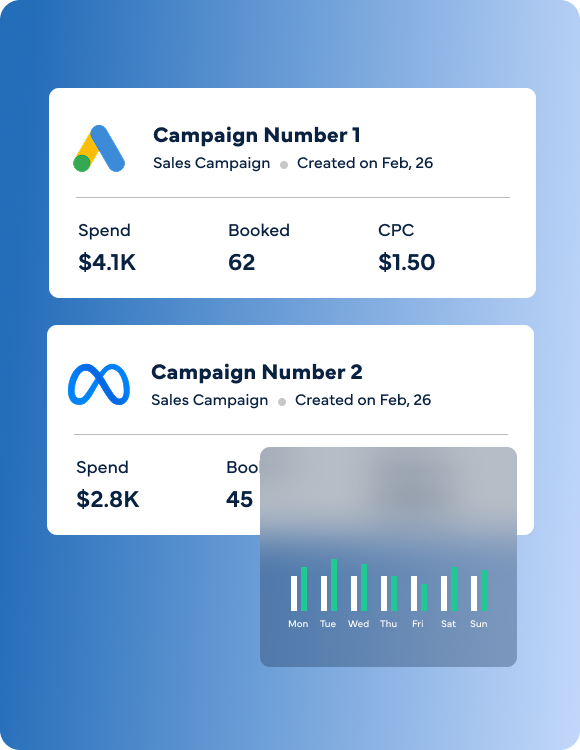
Most practices know what they spend on ads. Almost none know what they earn. KloudMD tracks every campaign: Google Ads, Meta Ads, landing pages, and organic, all the way from impression to booked patient. See cost per lead, cost per patient, revenue attribution by campaign, and which landing pages actually convert. AI highlights your best and worst performers so you know where to spend more and where to cut.
Conversions, cost per conversion, spend per day, impression share, and campaign-level breakdowns. See which campaigns bring patients and which burn budget.
Get Figma’s font installer or desktop app to use fonts from your computer.
Get Figma’s font installer or desktop app to use fonts from your computer.
Get Figma’s font installer or desktop app to use fonts from your computer.
Get Figma’s font installer or desktop app to use fonts from your computer.
Get Figma’s font installer or desktop app to use fonts from your computer.
Get Figma’s font installer or desktop app to use fonts from your computer.
Get Figma’s font installer or desktop app to use fonts from your computer.
REPORTS
Stop building reports in spreadsheets. KloudMD generates them for you: practice performance, marketing ROI, staff productivity, conversion funnels, call analytics, SEO performance, and more. Set custom date ranges, share reports with a link, and let AI add context with sentiment analysis and plain-English summaries.
Pre-built reports for the metrics that matter: leads, calls, appointments, marketing performance, staff activity, reviews, and revenue. No manual setup. Open and go.
Get Figma’s font installer or desktop app to use fonts from your computer.
Get Figma’s font installer or desktop app to use fonts from your computer.
Get Figma’s font installer or desktop app to use fonts from your computer.
Get Figma’s font installer or desktop app to use fonts from your computer.
Get Figma’s font installer or desktop app to use fonts from your computer.
Get Figma’s font installer or desktop app to use fonts from your computer.
Practice overview
AI insights
Staff performance
Marketing ROI
Call analytics
Conversion
funnels
Reports
Sentiment
Others
KloudMD Billing
KloudMD pulls appointment and patient data from your EMR so your analytics reflect the complete picture, booked, completed, cancelled, and no-showed. No manual data entry. No missing numbers.
Every appointment , whether booked online, by AI, or by your staff , syncs to your EMR in real time. No double-entry. No mismatched calendars. One booking, everywhere.
Leads, calls, staff performance, marketing ROI, and patient sentiment, all tracked, all connected, all in one place. AI tells you what it means. You decide what to do.